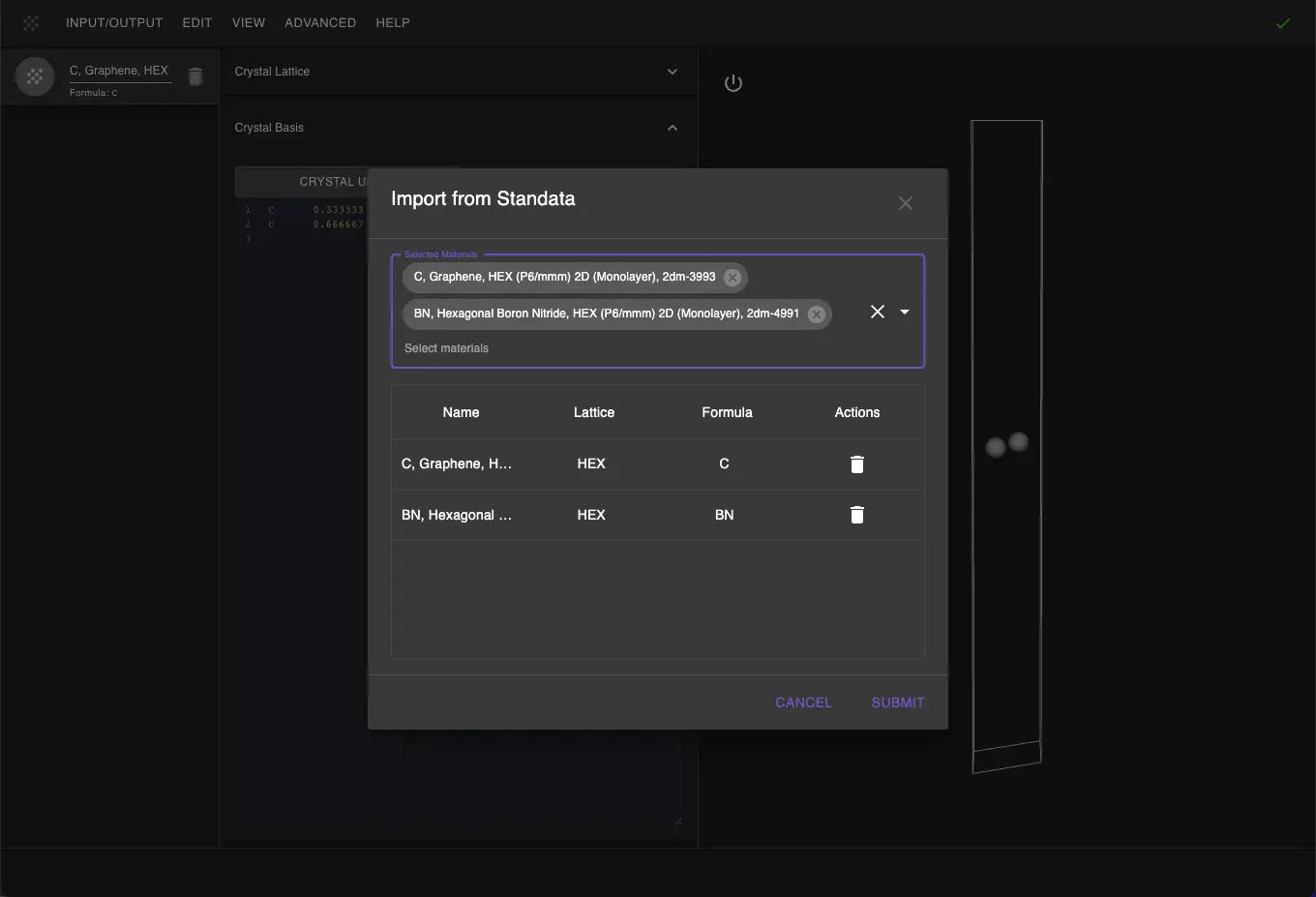
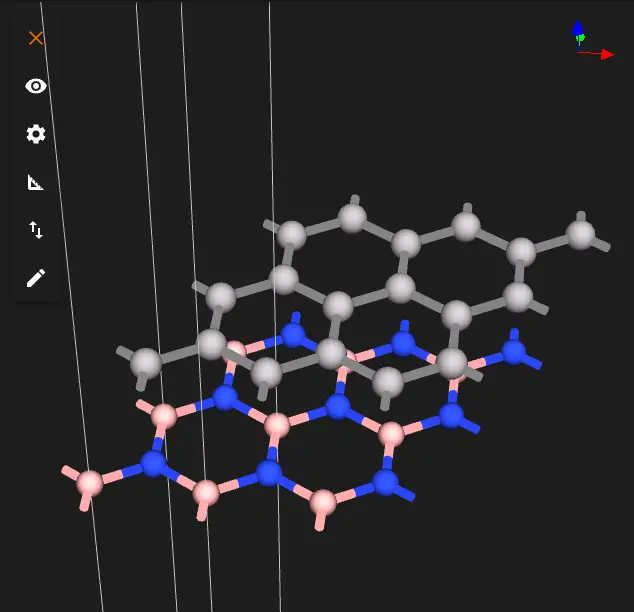
This tutorial creates graphene on four layers of hexagonal boron nitride (h-BN) for three stackings and a list of graphene–h-BN distances, following the manuscript below.
Manuscript
Gianluca Giovannetti, Petr A. Khomyakov, Geert Brocks, Paul J. Kelly and Jeroen van den BrinkSubstrate-induced band gap in graphene on hexagonal boron nitride: Ab initio density functional calculations
Physical Review B 76, 073103 (2007)
DOI: 10.1103/PhysRevB.76.0731031
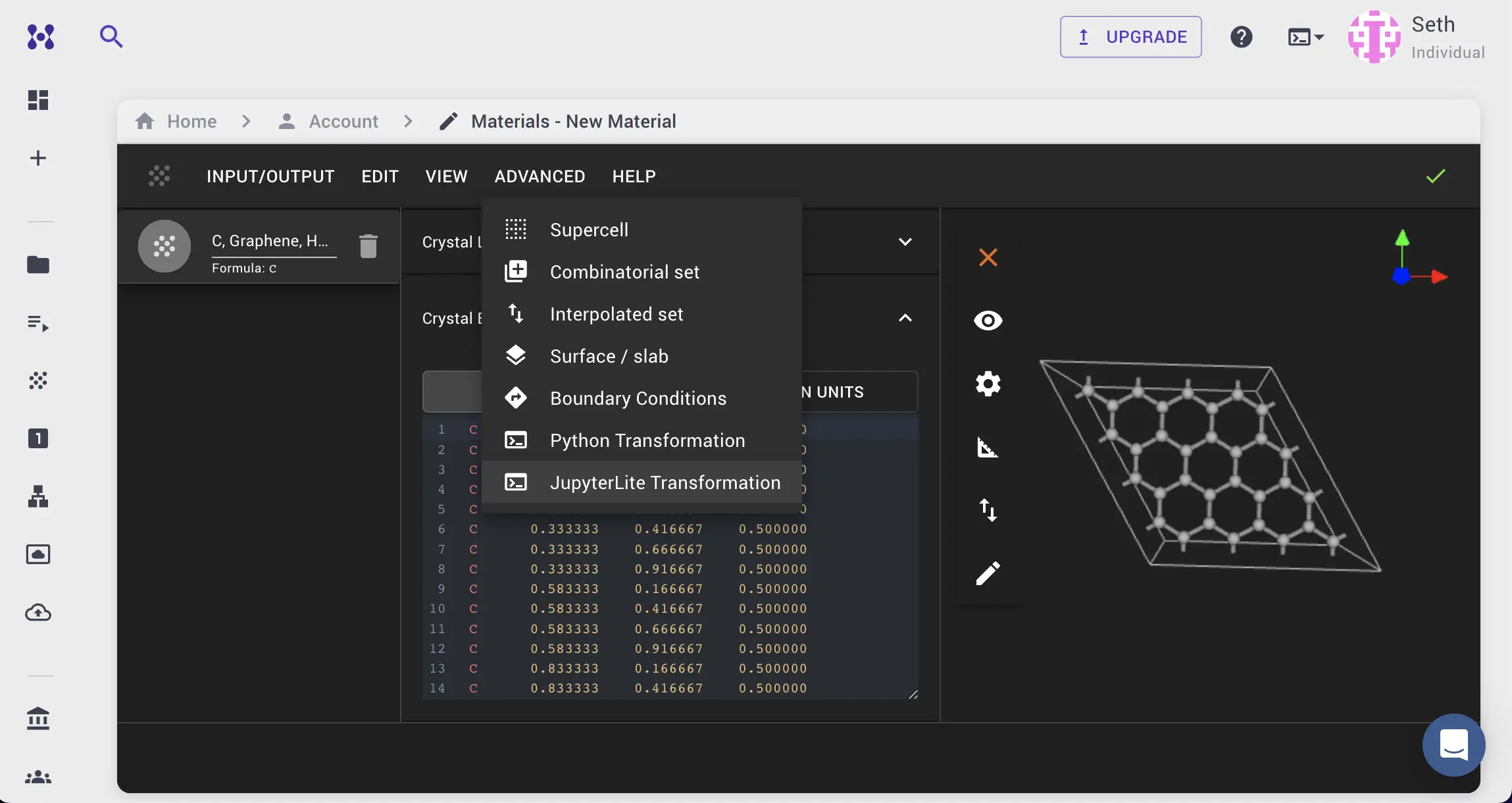
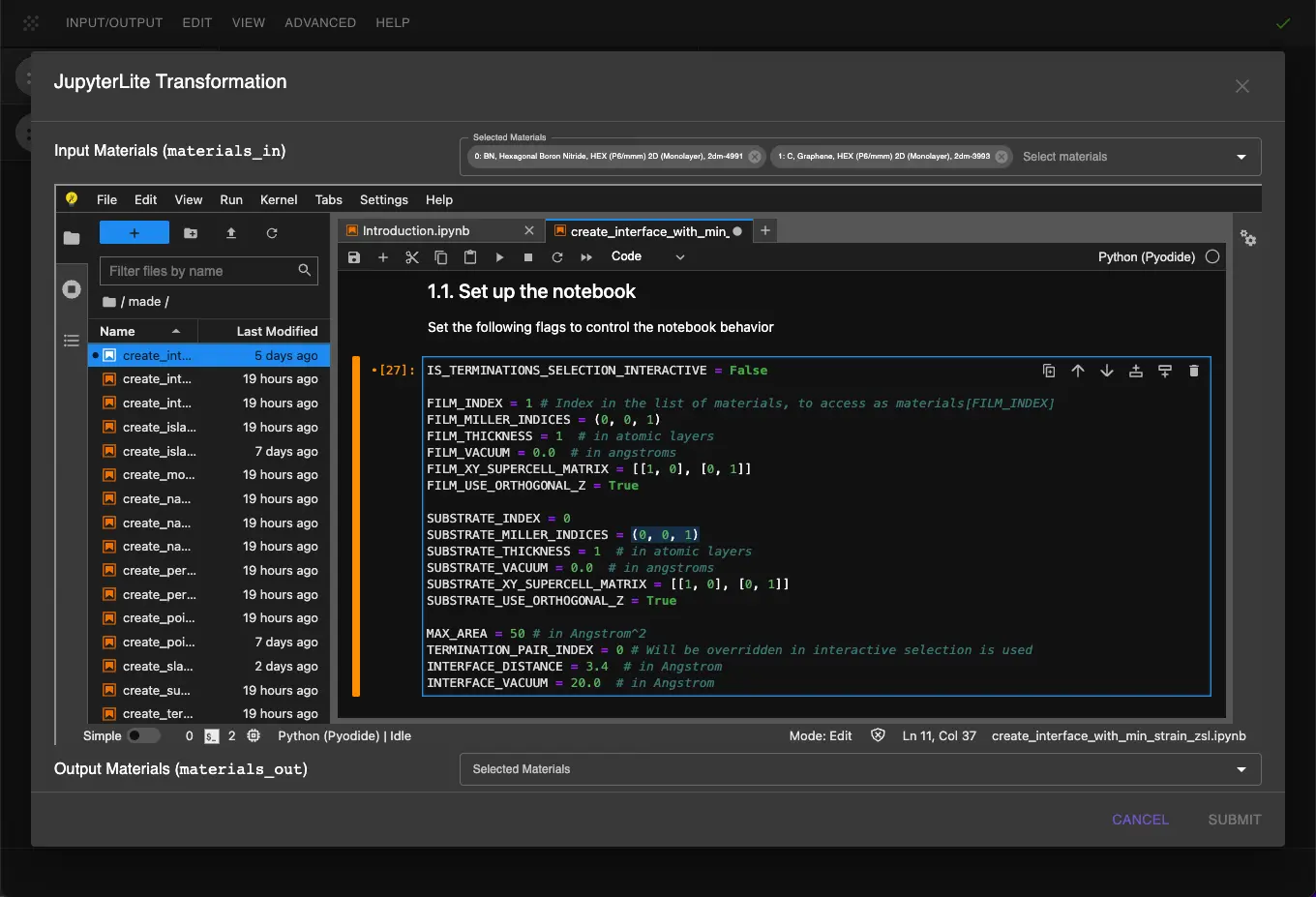
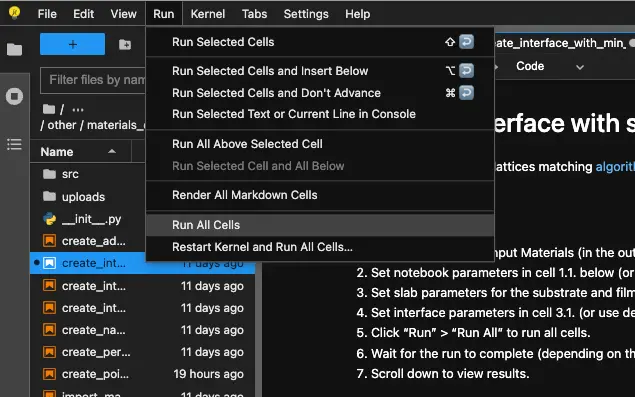
Select the "Advanced > JupyterLite Transformation" menu item to launch the JupyterLite environment, with h-BN as the first material and graphene as the second.
Open the interface_2d_2d_boron_nitride_graphene.ipynb notebook. Cell 1.1 sets the parameters:
1 2 3 4 5 6 7 8 910111213141516171819
LATTICE_CONSTANT=2.445# Å, graphene LDA (Giovannetti et al. 2007); h-BN is compressed to itH_BN_LAYERS=4H_BN_INTERLAYER_DISTANCE=3.24# Å, the paper's LDA valueVACUUM=15.0# Å above graphene# Giovannetti et al. 2007 compute all three stackings at every distance 2.5–3.9 Å; the defaults run# stacking (c) at three distances around its minimum. Uncomment entries to compute more# (one job per stacking × distance, ~25 min each on queue D with two cores).STACKINGS=["c",# "a",# "b",]DISTANCES=[3.1,3.2,3.3,# 2.5, 2.6, 2.7, 2.8, 2.9, 3.0, 3.4, 3.5, 3.6, 3.7, 3.8, 3.9,]STACKING_SHIFTS={"a":0,"b":1,"c":-1}# in units of a/√3 along yREGISTRY_TOLERANCE=1e-3# crystal units
STACKINGS and DISTANCES list the registries and distances to build; the defaults build stacking (c) at 3.1, 3.2 and 3.3 Å, and uncommenting the rest builds the paper's 3 × 15 set.
3. Create the interfaces between h-BN and graphene
The standata bulk h-BN entry is not AA': its boron atoms sit over hexagon centres of the next layer. The atoms of the upper layer are moved by (1/3, 2/3, 0) in crystal coordinates, so that boron sits over nitrogen in adjacent layers:
The h-BN slab has four layers, two per bulk cell, and the graphene slab one layer:
1 2 3 4 5 6 7 8 9101112131415161718
frommat3ra.made.tools.build.pristine_structures.two_dimensional.slabimportSlabConfiguration,SlabBuildersubstrate_slab_config=SlabConfiguration.from_parameters(material_or_dict=substrate,miller_indices=(0,0,1),number_of_layers=H_BN_LAYERS//2,# two BN layers per bulk cellvacuum=0.0,)film_slab_config=SlabConfiguration.from_parameters(material_or_dict=film,miller_indices=(0,0,1),number_of_layers=1,vacuum=0.0,)substrate_slab=SlabBuilder().get_material(substrate_slab_config)film_slab=SlabBuilder().get_material(film_slab_config)
3.4. Create the interface at each distance and stacking
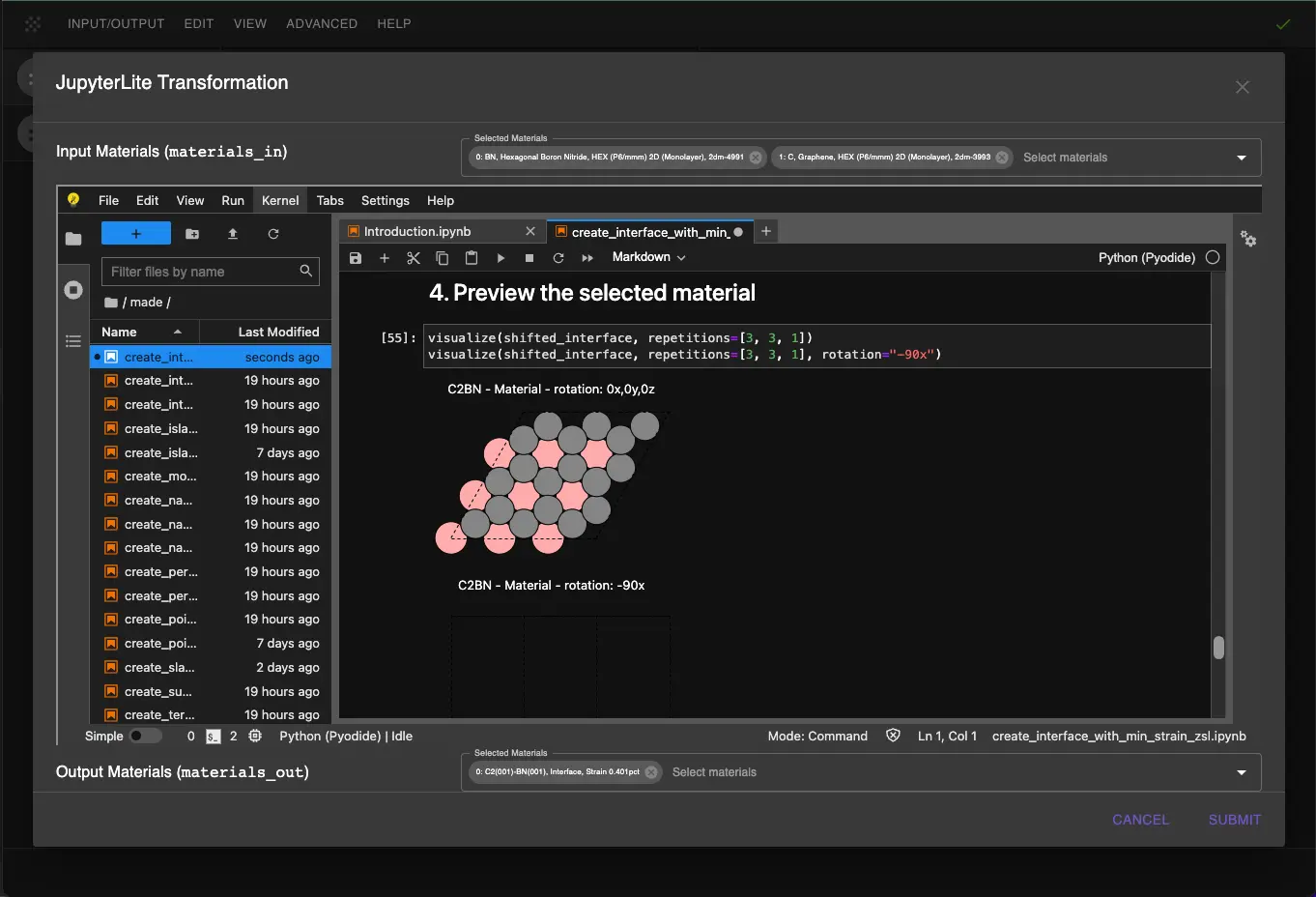
The loop places graphene on the h-BN slab at each distance, shifts it along y by the registry shift of each stacking, names the interface and prints the measured registry:
importnumpyasnpfrommat3ra.made.tools.analyze.otherimportget_average_interlayer_distancefrommat3ra.made.tools.convert.interface_parts_enumimportInterfacePartsEnumfrommat3ra.made.tools.helpersimportcreate_interface_zsl_between_slabsascreate_zsl_interface_between_slabsfrommat3ra.made.tools.modifyimportinterface_displace_partdefget_registry(interface):elements=np.array(interface.basis.elements.values)coordinates=np.array(interface.basis.coordinates.values)top_layer=(elements!="C")&np.isclose(coordinates[:,2],coordinates[elements!="C",2].max())registry=[]forcarbonincoordinates[elements=="C"]:in_plane_offsets=(coordinates[top_layer,:2]-carbon[:2]+0.5)%1-0.5atoms_below=elements[top_layer][np.all(np.abs(in_plane_offsets)<1e-3,axis=1)]registry.append(atoms_below[0]iflen(atoms_below)else"hollow")returnregistryinterfaces=[]forstackinginSTACKINGS:fordistanceinDISTANCES:# the builder adds the gap to the vacuum above the filminterface=create_zsl_interface_between_slabs(substrate_slab=substrate_slab,film_slab=film_slab,gap=distance,vacuum=VACUUM-distance)interface=interface_displace_part(interface=interface,displacement=[0,STACKING_SHIFTS[stacking]*interface.lattice.a/np.sqrt(3),0],use_cartesian_coordinates=True,)interface.name=f"Gr/hBN ({stacking}) d{distance:.2f}"interface.lattice.type="HEX"interfaces.append(interface)interlayer_distance=get_average_interlayer_distance(interface,InterfacePartsEnum.SUBSTRATE.value,InterfacePartsEnum.FILM.value)vacuum=interface.lattice.c*(1-max(coordinate[2]forcoordinateininterface.basis.coordinates.values))print(f"{interface.name}: {len(interface.basis.elements.ids)} atoms, a = {interface.lattice.a:.4f} Å, "f"gamma = {interface.lattice.gamma:.1f}°, distance = {interlayer_distance:.3f} Å, "f"vacuum = {vacuum:.2f} Å, C over {' / '.join(get_registry(interface))}")
Gianluca Giovannetti, Petr A. Khomyakov, Geert Brocks, Paul J. Kelly, and Jeroen van den Brink. Substrate-induced band gap in graphene on hexagonal boron nitride: ab initio density functional calculations. Physical Review B, 76:073103, 2007. doi:10.1103/PhysRevB.76.073103. ↩